Though they share some similarities, augmented reality and virtual reality offer strikingly different experiences. The core difference between AR and VR, however, lies in how digital experiences are delivered.
Augmented reality merges digital information with the real world, while virtual reality completely replaces the real world with a simulated environment.
By definition, augmented reality is the use of technology to enhance a user’s perception of the real world by overlaying digital information—such as text, images, or other media—onto their physical environment.1
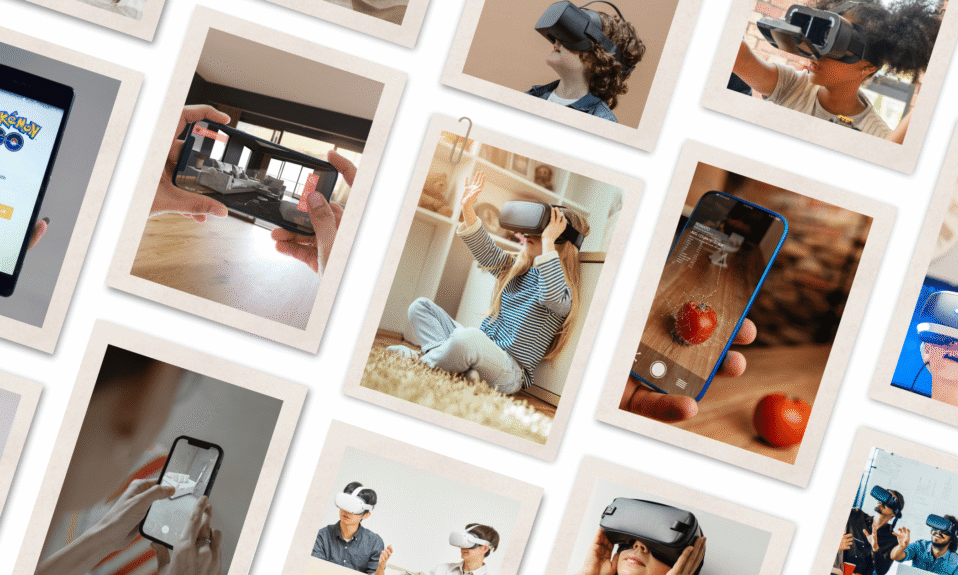
A typical example of AR in everyday life is a Snapchat filter, which scans a user’s face and digitally alters their appearance or adds interactive elements in real time.
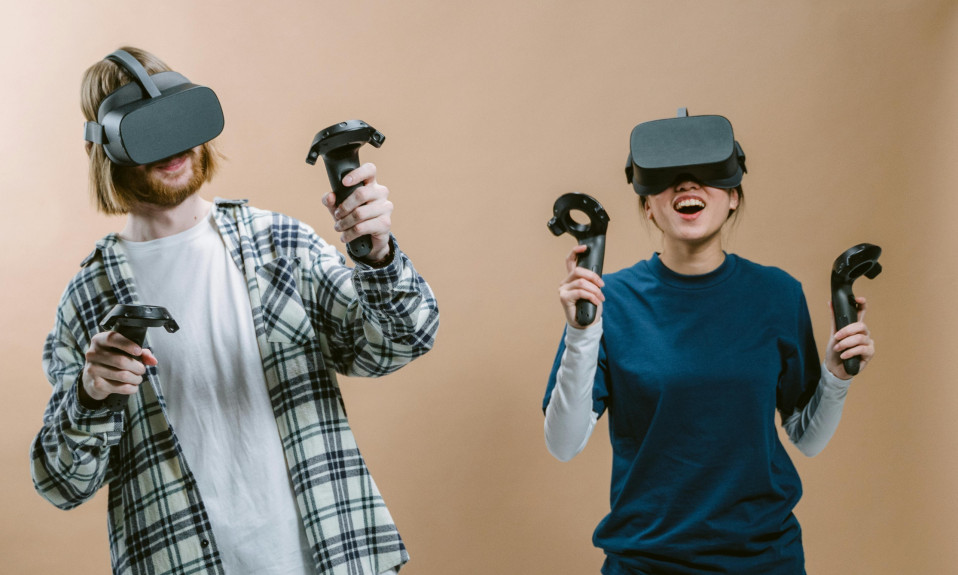
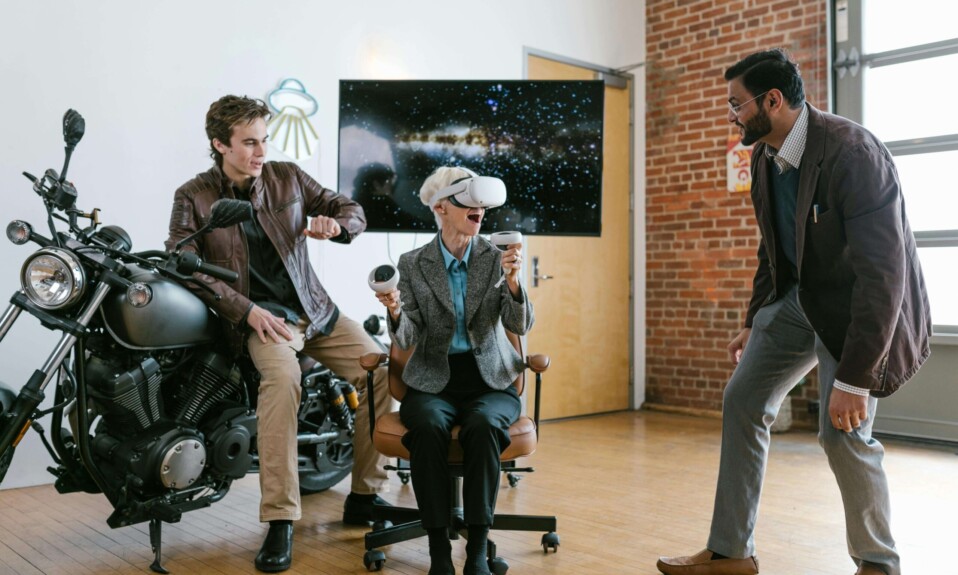
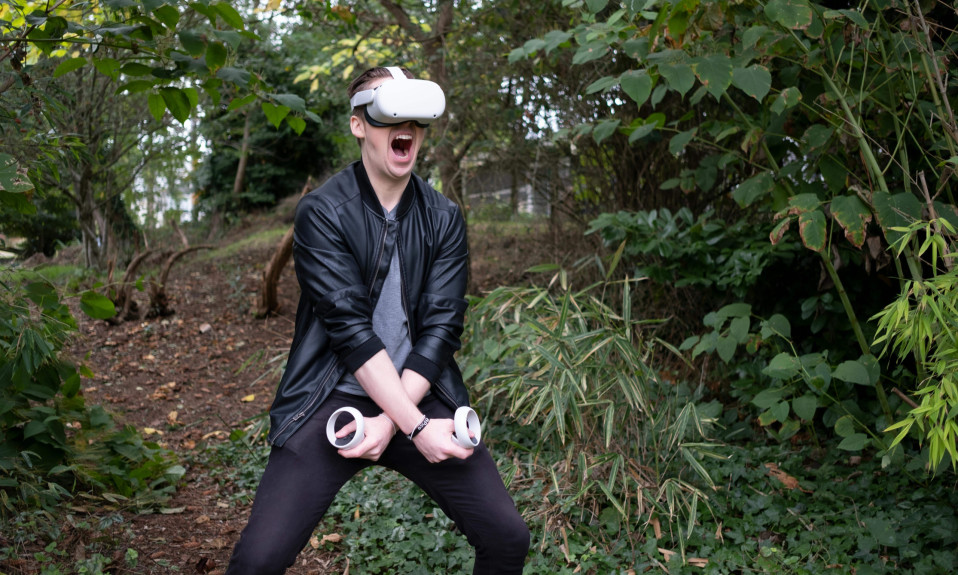
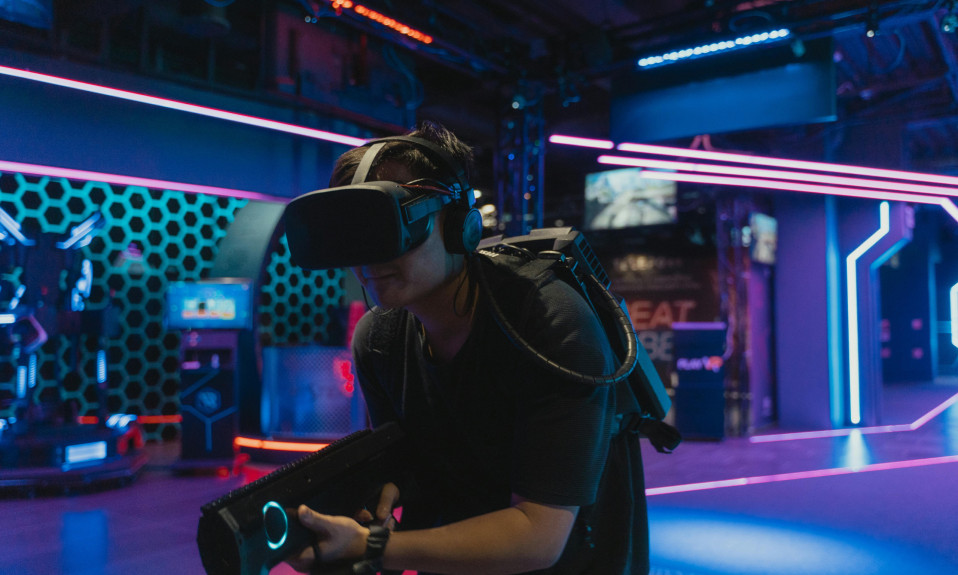
Virtual reality, on the other hand, completely immerses users in a digitally simulated environment through specialized devices such as a virtual reality headset.
These simulated environments—often called virtual worlds—are isolated from the physical world, keeping users engaged in a digital, interactive space.
Prominent examples of virtual worlds include platforms such as Decentraland and games like Boneworks and Half-Life: Alyx.
Augmented and virtual realities provide unique ways to enhance, transform, or replace physical reality with digital information and experiences.
This article offers a clear comparison between augmented reality (AR) and virtual reality (VR), highlighting their defining features and key differences.
Without further ado, let’s get started.
Don’t let foggy lenses or sweaty palms ruin your VR experience. Grab our Essential Guide to VR Accessories and start enjoying smoother, longer sessions.
Click here to Download your FREE Guide!
Quick Navigation
Augmented Reality vs. Virtual Reality: How They Differ
As stated earlier, the main difference between augmented reality and virtual reality lies in how digital experiences are delivered. This provides the basis for comparison and illustrates how technology enables these experiences.
The table below highlights the key differences between augmented reality and virtual reality.
| Feature | Augmented Reality (AR) | Virtual Reality (VR) |
| Nature of Environment | Integrates digital elements into the real world | Creates a virtual environment that replaces the real world |
| Immersion | Partial immersion: users remain aware of the real world | Full immersion: users are isolated and unaware of their physical surroundings |
| Level of Interaction | Limited: interaction mainly with real-world objects and digital overlays | Dynamic: users can fully engage and manipulate the virtual environment |
| Tracking | Uses hand gestures, device sensors, or touch interfaces | Employs hand, eye, and body tracking via headsets and external sensors |
| Types | Marker-based, markerless, projection-based, and location-based AR | Fully immersive, semi-immersive, and non-immersive VR |
| Accessibility | Smartphones, tablets, or AR glasses | Requires dedicated head-mounted displays such as VR headsets or VR glasses |
| Examples | Pokémon Go, Google Maps AR, IKEA Place, Snapchat AR filters | Half-Life: Alyx, Beat Saber, Boneworks, Meta Horizon Worlds. |
Nature of Environment: Enhanced Real World vs. Fully Virtual World
Augmented reality stays grounded in the real world. Rather than replacing one’s view with a completely simulated environment, AR seamlessly blends digital elements with physical reality.
Simple forms of augmented reality, such as marker-based AR, rely on built-in mobile hardware, including cameras, accelerometers, and gyroscopes, to support AR functionality.
AR applications typically use these sensors to capture and analyze the user’s surroundings through Simultaneous Localization and Mapping (SLAM), which helps the system understand spatial relationships and determine where digital content should appear.
For instance, in museums or art galleries, curators may place QR codes next to artifacts or paintings so that scanning them with a mobile device brings the pieces to life through interactive animations and informative overlays that enrich the viewing experience.

At the opposite end of the spectrum, virtual reality relies on specialized software and frameworks to design and develop computer-simulated digital environments.
These virtual environments fully isolate users from the real world, replacing their field of view with immersive simulations and interactive experiences.
Virtual simulations may depict digital replicas of the physical world, entirely fictional or futuristic renditions of reality, or a fusion of both.
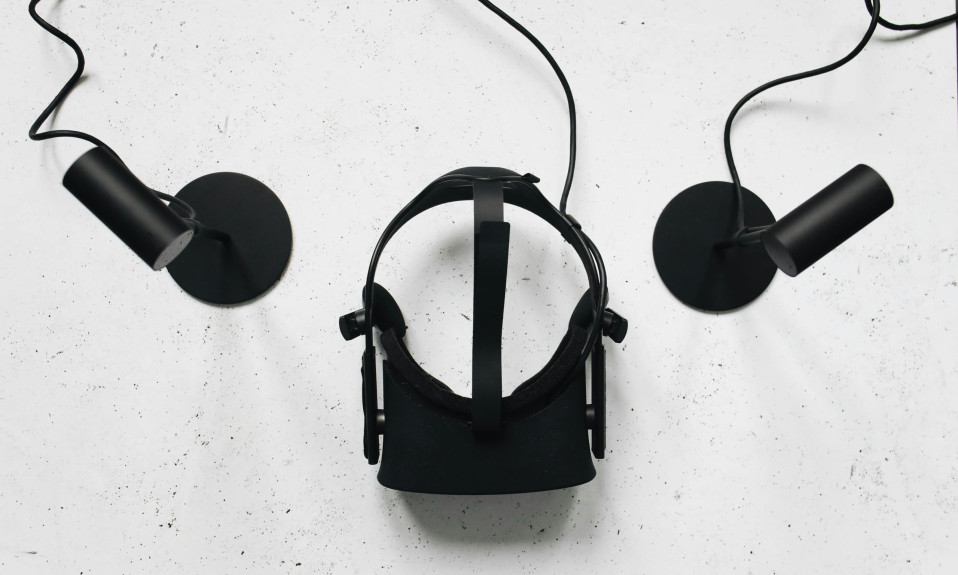
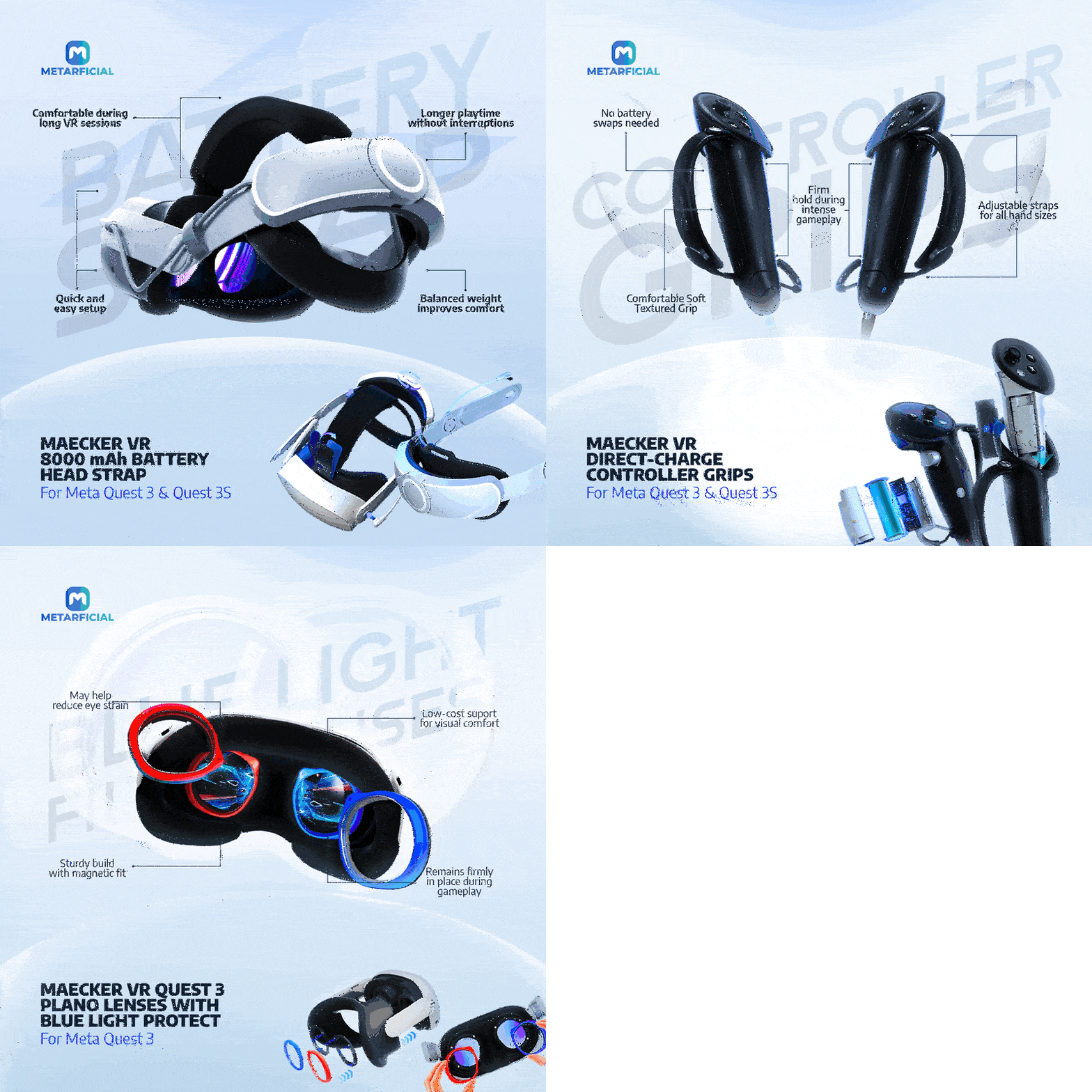
Users experience immersive virtual reality via headsets paired with VR accessories—such as hand controllers and external body trackers—that work together to block out one’s physical surroundings and deliver an engaging, interactive virtual experience.
Virtual reality systems deliver sensory cues that directly engage the sense organs, including vision, hearing, and spatial perception, convincing the brain that the simulated environment is real.
VR experiences can feel so authentic that the body instinctively responds to virtual motion, even when other sensory inputs indicate otherwise.
I do not want a discount, said no one ever! Upgrade your VR setup today with top-tier accessories—use code META20 for 20% off + free shipping on orders over $15. Level up your VR experience now ➡️ Shop & Save!
Level of Interaction: Minimal Physical Engagement vs. Dynamic Full-Body Tracking
Augmented reality offers minimal interaction between users and digital overlays, as well as with their surrounding environments.
In most cases, virtual elements or digital information superimposed on a user’s field of view enhance perception or provide contextual information, requiring little to no active engagement.
However, projection-based augmented reality, a subset of AR, offers a certain degree of interaction and immersion through gesture and camera-based recognition.
Virtual reality, by contrast, enables users to interact with virtual objects, simulations, and digital environments much like they would in the physical world.2
By relying on a wide range of hardware components, VR systems can accurately track users’ physical movements, gestures, and spatial awareness. These inputs translate into corresponding behaviors within virtual environments.
It creates a deeply immersive and engaging experience, allowing users to feel more connected to dynamic virtual spaces that adapt and respond to every movement.
Some of the hardware components that enable this—such as motion detectors, LiDAR sensors, optical trackers, and infrared sensors—are either built into primary VR devices or connected via external VR accessories.
Don’t let foggy lenses or sweaty palms ruin your VR experience. Grab our Essential Guide to VR Accessories and start enjoying smoother, longer sessions.
Click here to Download your FREE Guide!
Final Thoughts on Augmented Reality vs. Virtual Reality
Augmented reality and virtual reality are distinct technologies within the broader extended reality landscape, redefining how humans experience and interact with digital content.
While augmented reality enhances one’s perception of the real world by overlaying digital information, virtual reality replaces physical reality entirely with immersive digital simulations—blurring the lines between what is real and what is computer-generated.
Virtual reality achieves immersion by engaging multiple senses, keeping users unaware of their physical surroundings as they navigate dynamic virtual spaces.
Augmented reality, however, provides partial immersion, allowing users to remain grounded in the real world and aware of their surroundings while interacting with digital overlays.
Exploring virtual environments typically requires specialized equipment such as VR headsets and controllers, which can serve as a barrier to entry.
In contrast, augmented reality experiences are more accessible, often available through smartphones, tablets, or everyday devices.
Looking ahead, it’s crucial to recognize that these technologies continue to evolve. As their capabilities expand, the limits we understand today may soon be surpassed, potentially reframing how we define and experience these technologies.
References:
- Jackins, T. (2025, September 30). Augmented reality vs. virtual reality (AR vs VR). Splashtop. ↩︎
- Farshid, M., Paschen, J., Eriksson, T., & Kietzmann, J. (2018). Go boldly! Explore augmented reality (AR), virtual reality (VR), and mixed reality (MR) for business. Business Horizons, 61(5). ↩︎